

Swimwear is final sale — try it on first, from any store


⇆
Swimwear is final sale — try it on first, from any store
Apple PayG PayVISA
Full length, figure clearly visible.
A link from Amazon, SHEIN or any store, a screenshot — or pick one from the catalog below.
In about 30 seconds, a realistic photo, before and after side by side.
 before
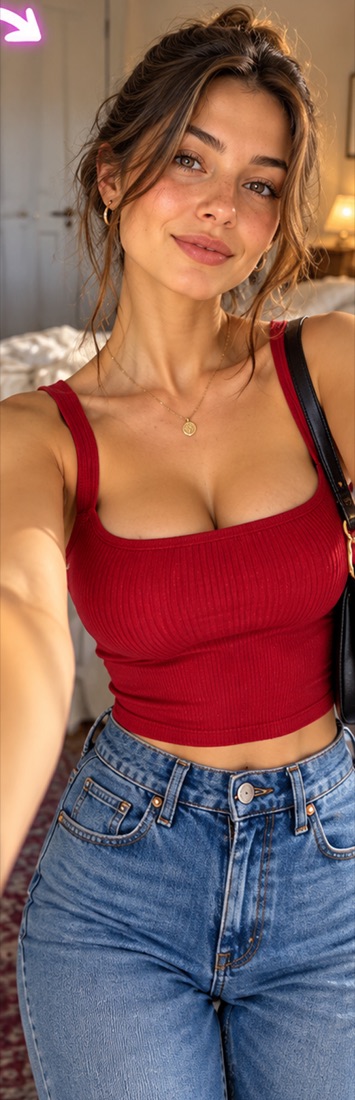 after
 before
 after
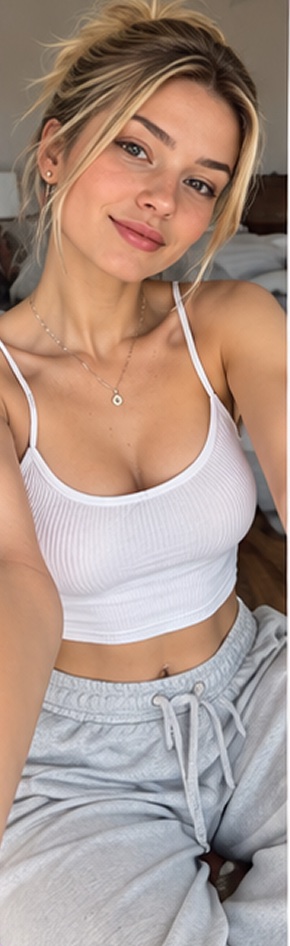 before
 after
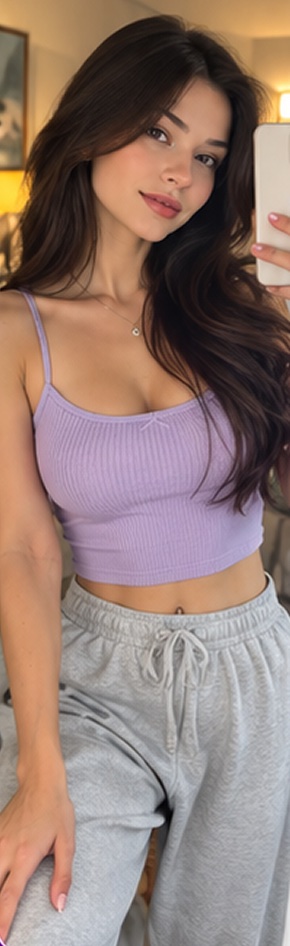 before
 after
Swimwear and lingerie are usually final sale for hygiene reasons. Trying them on your own photo shows the style and fit before you order.
Yes. Paste the product link or upload a screenshot — in about 30 seconds you see it on you.
No. Swimwear and lingerie can only be tried on your own photo, and only if you're 18 or older. We don't process photos of children.
Your first try-on is free. No subscription. One try-on is one credit, from S$1.29. If a try-on fails, the credit comes back.
