

See the design, size and placement on your own skin first


⇆
See the design, size and placement on your own skin first
Apple PayG PayVISA
Your arm, wrist, collarbone, back or ankle, in good light.
A tattoo design or a photo of a tattoo you like — or pick an idea: mini, flowers, lettering, fine line.
The design follows the shape of your body, so you see the real size and placement.
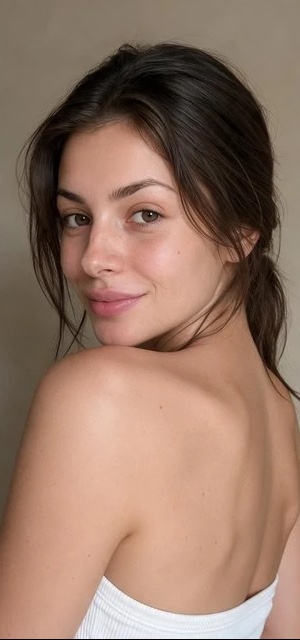 before
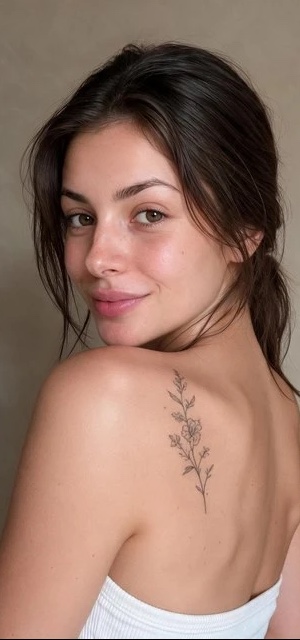 after
Take a photo of the spot and upload the design. The AI places the tattoo on your own skin, following the shape of your body, so you can see it before booking.
Yes. Try the same design on your wrist, forearm or collarbone, and add a wish like “smaller” or “higher on the arm”.
Yes — add “black and white” or “in color” as your wish.
Yes. Upload any design or a photo of a tattoo; only the design is used.
Your first try-on is free. From S$1.29 per try-on, no subscription, and try-ons never expire.
No. It works in your browser without signing up or installing an app.
