

A ready look or one from a picture — on your photo


⇆
A ready look or one from a picture — on your photo
Apple PayG PayVISA
Full length, figure clearly visible.
A link or screenshot from any store — or pick one from the catalog below.
In about 30 seconds, a realistic photo, before and after side by side.
 before
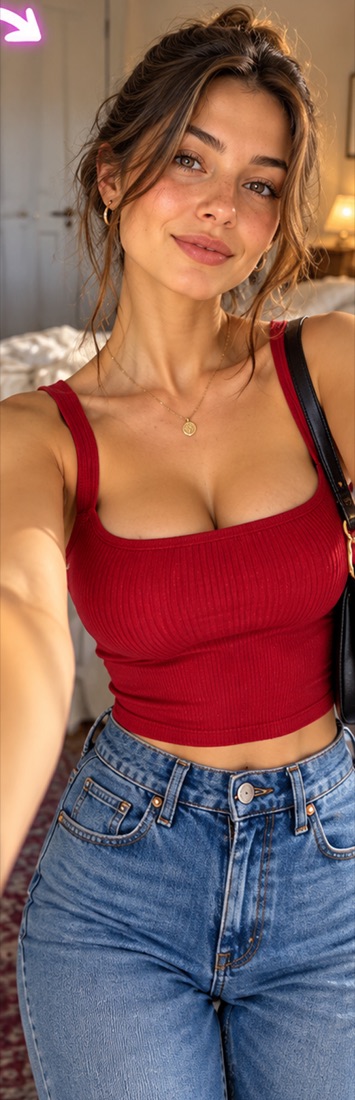 after
 before
 after
 before
 after
 before
 after
Upload a full-length photo and pick a ready look from the catalog — or upload a picture of a look you like.
Yes. Only the clothes change; your face, figure, pose and background stay yours.
Your first try-on is free. No subscription. One try-on is one credit, from €0.99. If it fails, the credit comes back.
