

Pick a trend, add your selfie — get the viral photo with your face in seconds


⇆
Pick a trend, add your selfie — get the viral photo with your face in seconds
Apple PayG PayVISA
One photo with your face clearly visible.
Figurine, 90s yearbook, anime, magazine cover and more.
Ready in about 20 seconds — then bring it to life as a 5-second video.
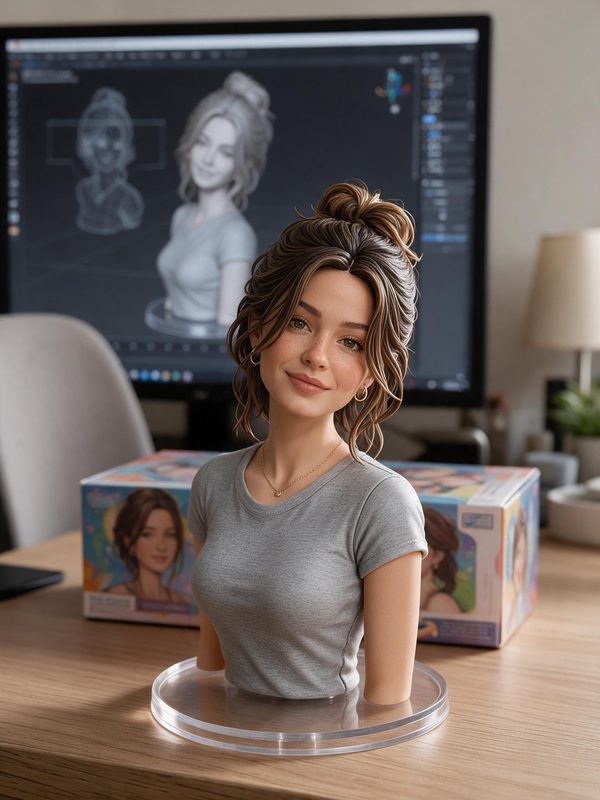
 after
 after
 after
 after
Add a selfie, pick a trend and tap “Make my photo”. The AI keeps your face and puts you into the trend — it takes about 20 seconds.
Your first try-on is free. No subscription. A trend photo is one credit, from €0.99. Bringing it to life as a 5-second video costs 3 more credits — if the video fails, they come back.
Yes — the AI keeps your face, gender and features and changes only the style and the scene of the trend.
Yes. Trends for two, like the Party Polaroid, have a window for a friend's photo — or you can make it on your own.
