How to try on clothes virtually without buying them
Updated: 05.11.2026
In short: To try on clothes without buying them, use an AI virtual try-on: upload a full-length photo of yourself and a link or screenshot of the item, and the tool shows you wearing it. This lets you check cut, color, print and coverage before you pay. Then confirm size with your measurements. With AnyTry, you see items from any store on your own photo in about 30 seconds.
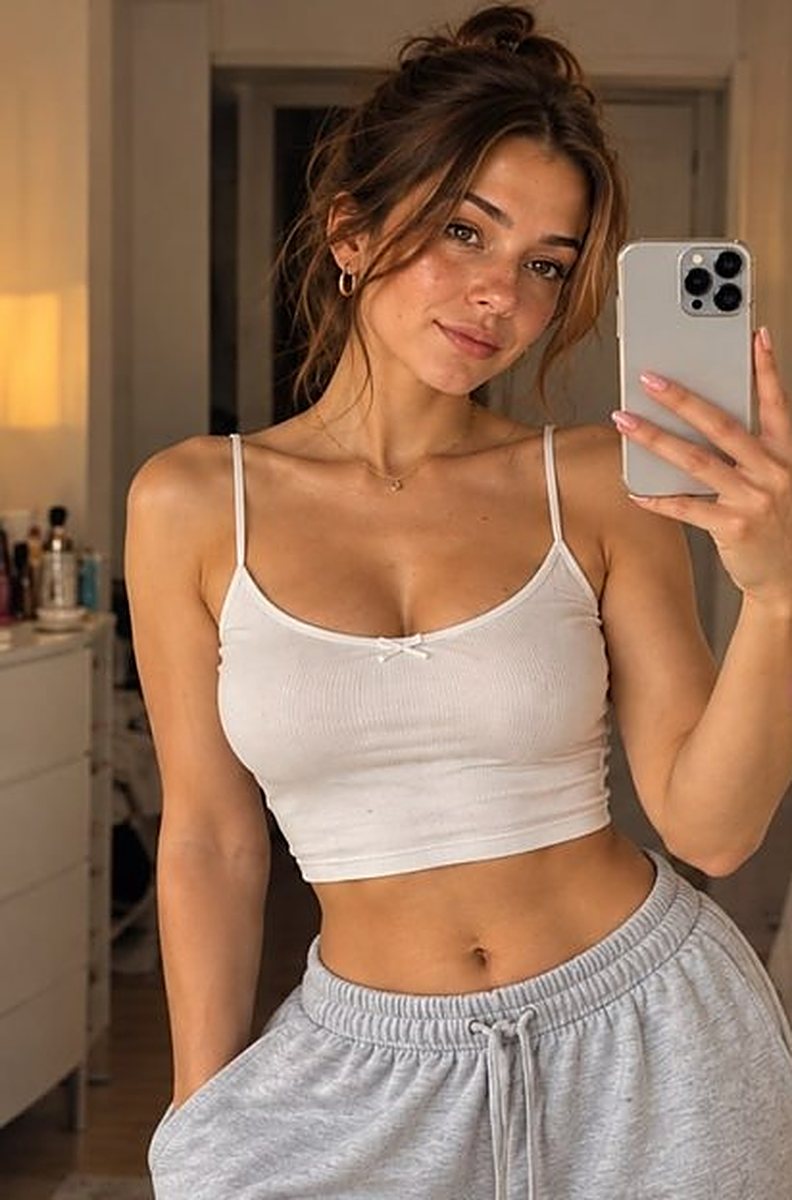
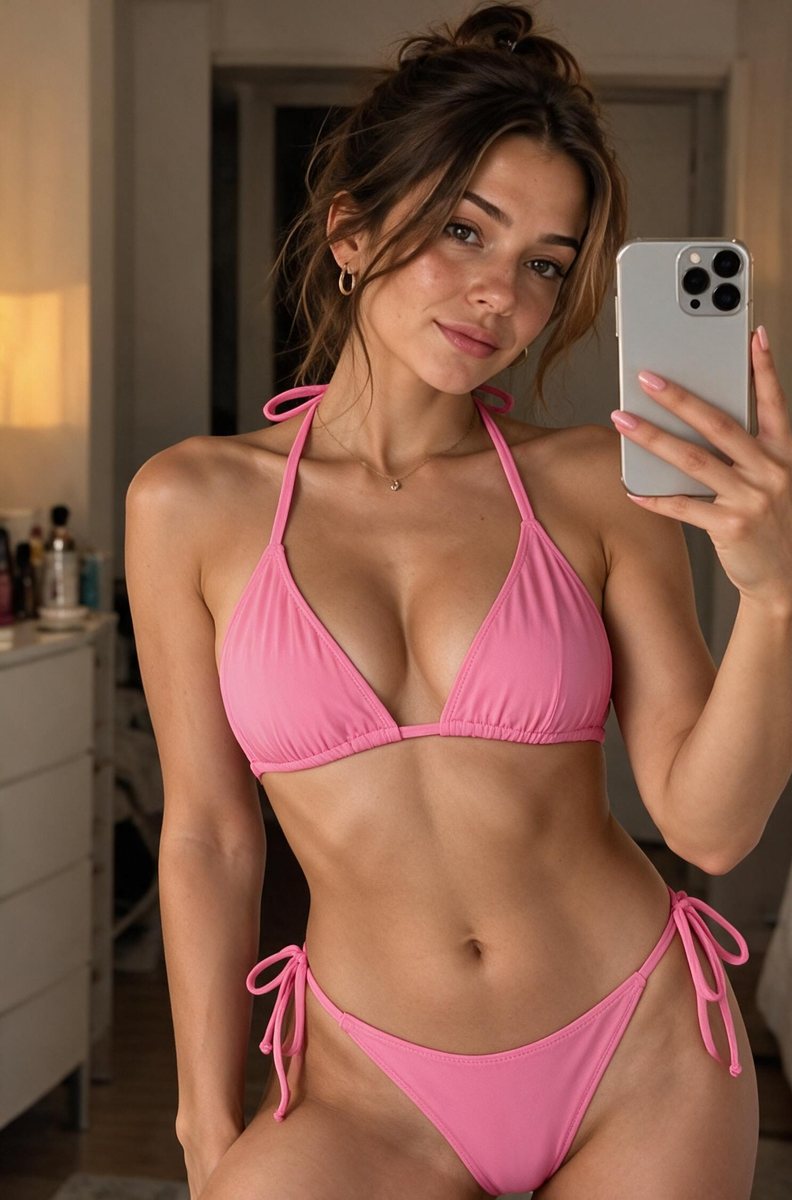 🔗 amazon.com/dp/…✓ Ready in 30 sec
- Your photoUpload a full-length photo
- The item by linkPaste a link from any store or a screenshot
- DoneIn 30 seconds you're wearing it
Why try before you buy
- Model photos lie a little. They show one body type, one pose, perfect light. - Returns are a hassle. Many stores treat swimwear and lingerie as final sale or only accept returns with hygiene liner and tags. - Less waste. Fewer orders that go straight back. - Faster choices. Compare 5 styles in minutes instead of ordering all 5.
How to try on clothes virtually: 4 steps
1. Take one full-length photo. Face the camera, stand straight, good light, fitted clothes. 2. Find the item. Copy the product link or take a screenshot. Amazon, SHEIN, ASOS, Zara or any store works. 3. Upload both to AnyTry. In about 30 seconds you see yourself wearing it, with your own body shape, skin tone and pose. 4. Compare and decide. Try a few colors or cuts side by side. Keep only the one you love.
Not sure where to start? See it on you: Try an item on your photo
Photo tips for the best result
- Full body in frame, head to feet. - Arms slightly away from your body. - Plain background and even light, no strong shadows. - Fitted clothes, like leggings and a tank top, so your shape is clear. - No filters or heavy edits.
What virtual try-on shows (and what it doesn't)
It shows: - The cut: neckline, leg line, high-waist or low-rise. - The color next to your skin tone. - The print at real scale on your body. - The coverage: how much a bikini, bra or one-piece covers.
It does not show: - Your exact size or how tight it feels. - Fabric stretch, weight or texture.
For size, measure yourself and use the brand's chart. See our swimsuit size chart.
Best items to try virtually first
- Swimsuits and bikinis: hard to return and hard to judge from model photos. - Lingerie and bras: cut and coverage matter a lot. - Dresses: length and neckline are easy to check. - Bold prints and colors: see if they suit you before you commit.
Other ways to "try without buying"
- Read reviews with photos from buyers your size. - Check the size chart and measure yourself. - Look for "runs small/large" comments. - Check the store's return page before you order.
Virtual try-on works best together with these steps.
See it on you before you buy
Stop guessing from model photos. Upload your photo and any product link, and see the item on your body in about 30 seconds. See it on your own photo
FAQ
Can I try on clothes online from any store? With AnyTry, yes. Use a product link or screenshot from Amazon, SHEIN, ASOS, Zara or any store.
Does virtual try-on show my size?
No. It shows cut, color, print and coverage. Use your measurements and the brand's chart for size.
What photo works best?
A full-length photo, facing the camera, in fitted clothes and good light.
Is my photo private?
On AnyTry, you upload only your own photo, it is 18+, and photos are not published.