

A slimmer waist or straighter posture — subtle and realistic


⇆
A slimmer waist or straighter posture — subtle and realistic
Apple PayG PayVISA
Full length, your whole figure visible.
Slimmer, narrower waist, flat tummy, toned arms, straight posture.
Subtle changes only, so the photo still looks real.
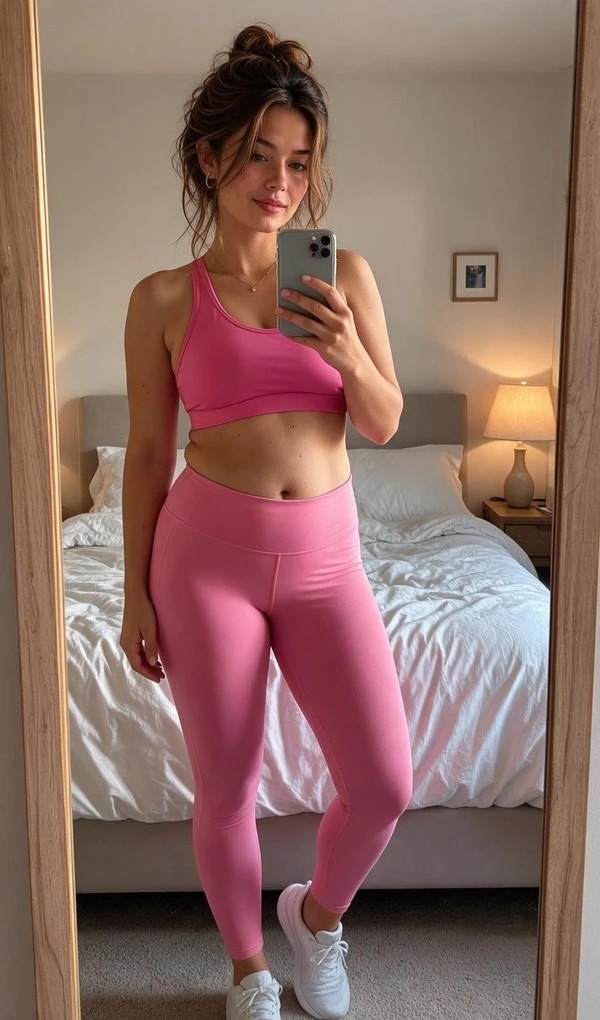 before
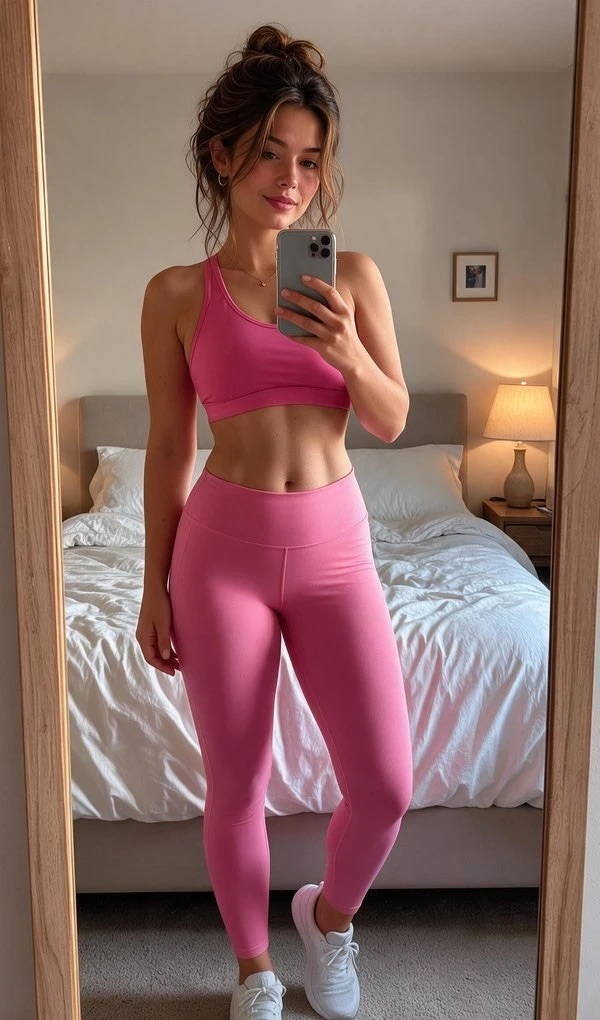 after
Upload a full-length photo and pick what to change — waist, tummy, arms, posture. The AI makes subtle, realistic changes and keeps your face and clothes.
Yes. Changes are deliberately subtle: the background doesn't bend and your proportions stay believable.
Yes — pick “Straight posture” to straighten your back and shoulders.
Yes. Upload a photo of a figure to come closer to; the AI moves gently in that direction, within natural limits.
Your first try-on is free. From ₱64 per photo, no subscription, and try-ons never expire.
No sign-up or app needed — it works in your browser.
